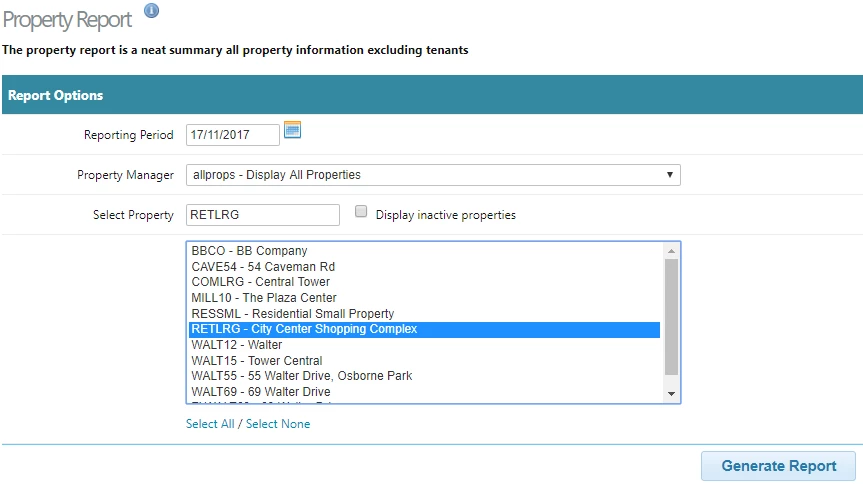
The Property Report provides a clear and concise summary of all property information,. Follow the steps below to create the report:
Navigate to the Report
From the main menu, go to Properties.
Select Property Report.
Enter the Reporting Period
Specify the start and end dates for the period you wish to report on.
Select a Property Manager
Choose an individual Property Manager, or
Select All to include every manager in the report.
Select Properties
Choose a single property or select multiple properties, depending on your reporting needs.
Generate the Report
Click Generate Report to produce the summary.
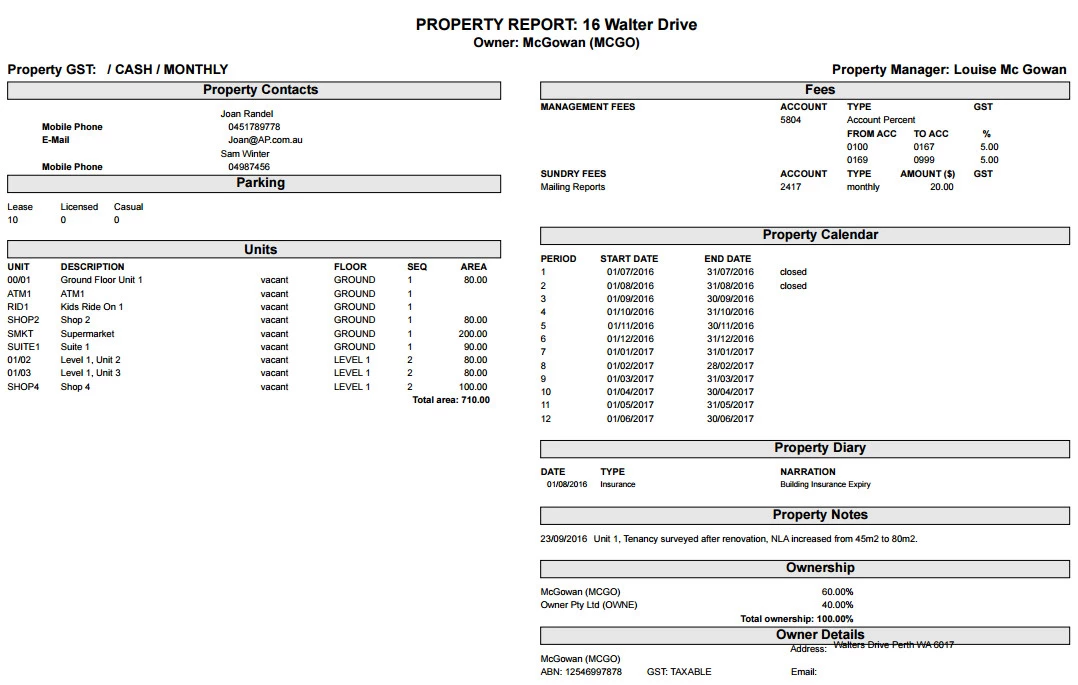
- The report exports to PDF.
Was this article helpful?
That’s Great!
Thank you for your feedback
Sorry! We couldn't be helpful
Thank you for your feedback
Feedback sent
We appreciate your effort and will try to fix the article